


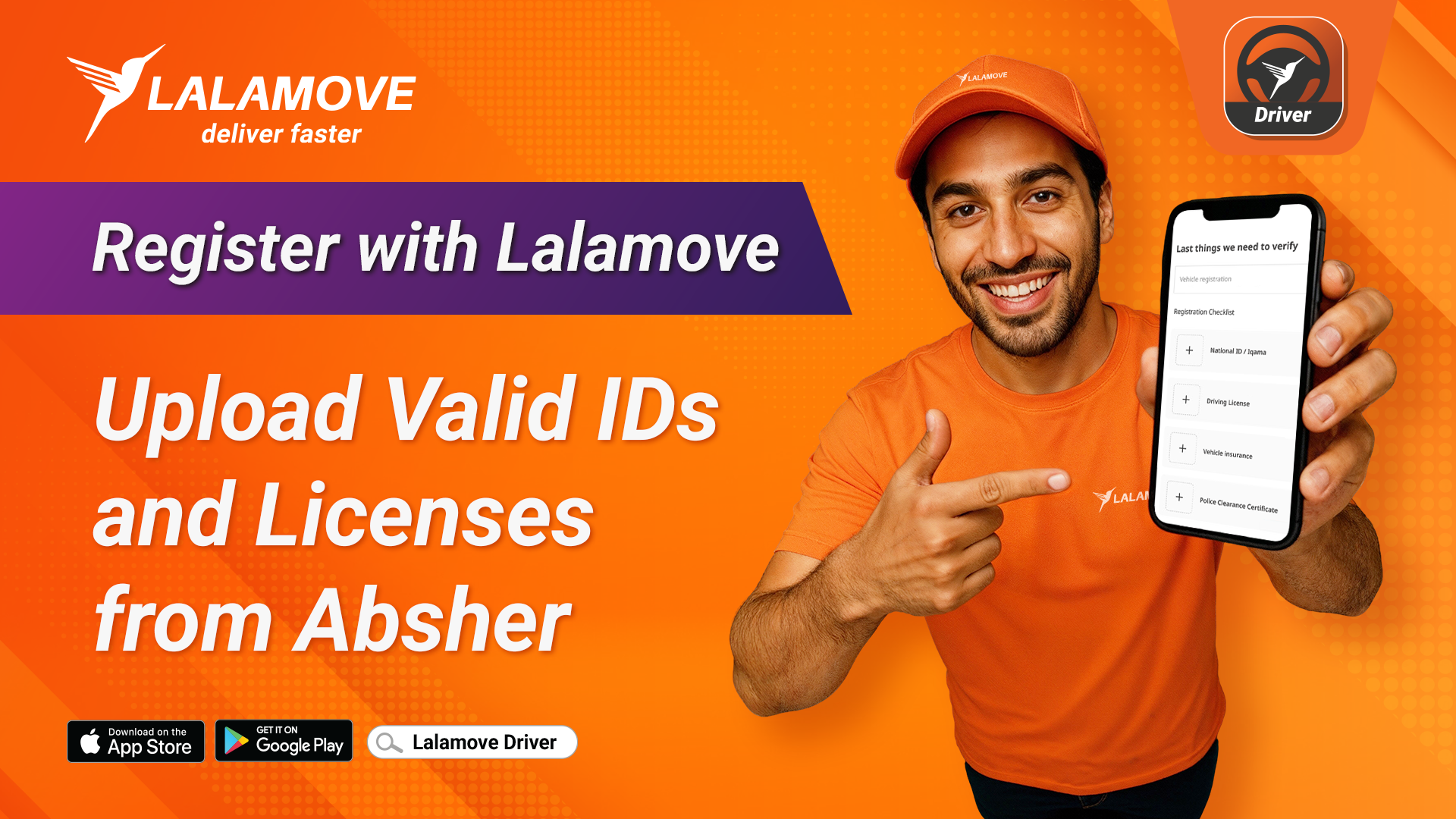
Are you ready to join Lalamove and start earning money as a partner driver? Before your registration can be approved, make sure that all the documents you upload are valid, unexpired, and downloaded from Absher.
Required Documents for Registration
When signing up as a Lalamove driver, you’ll need to upload:
-
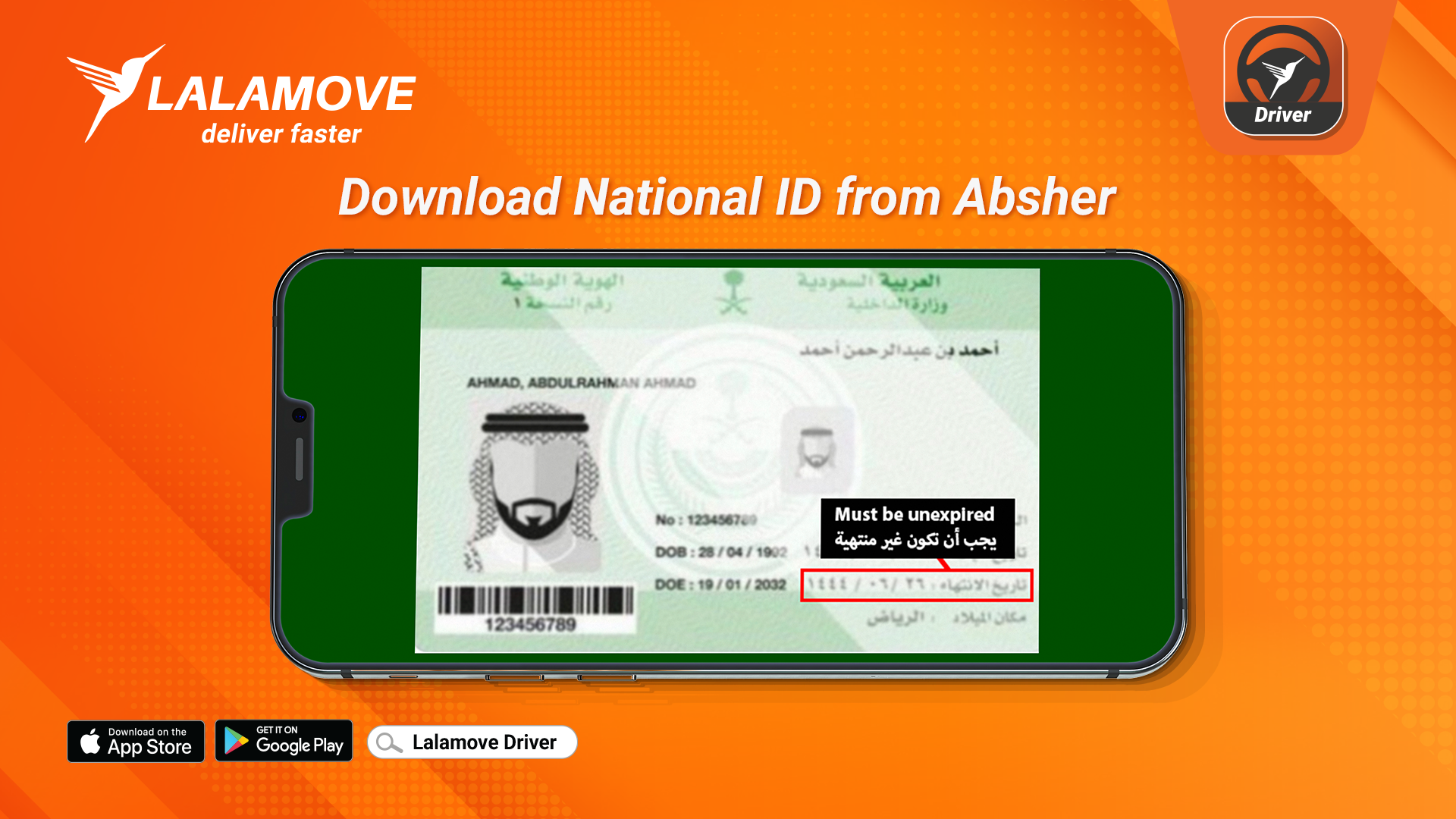
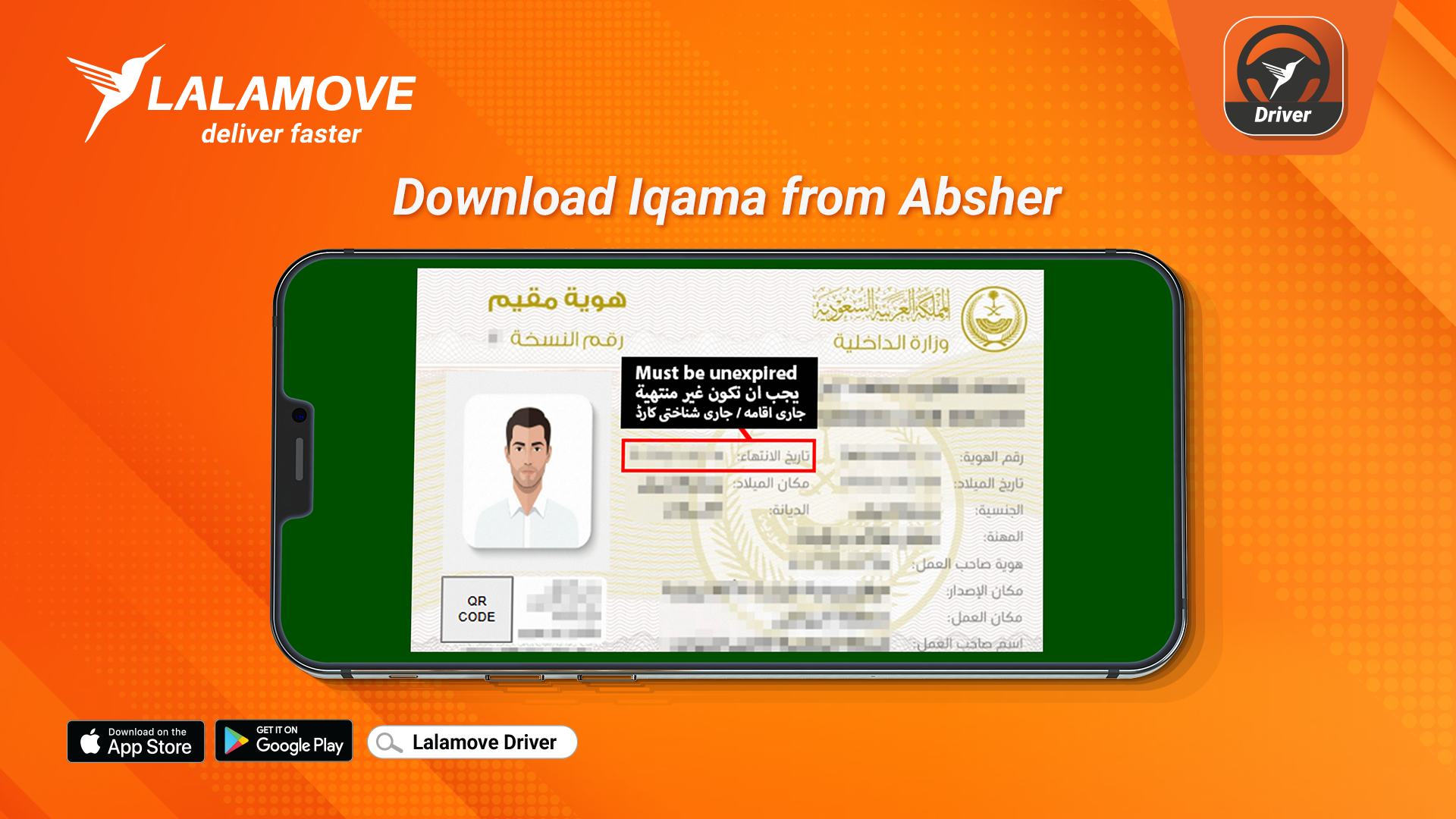
National ID / Iqama - Must be valid and not expired.
-
Driver’s License - Must be valid and active.
Important: Expired or unclear documents will result in rejection or delay of your registration.
Why We Require Valid Documents
To help you start earning faster, all submitted information must be verified. Submitting your official, up-to-date documents from Absher allows us to verify your identity quickly, approve your driver account without delays, and get you on the road and earning sooner - while keeping Lalamove a trusted and reliable platform for everyone.
How to Get Your Documents from Absher
You can easily download your National ID (Iqama) and Driver’s License details directly from Absher, the official Saudi government platform.
-
Log in to your Absher account.
-
Go to your personal information or license section.
-
Download the document or take a clear screenshot showing validity and expiry date.
Quick Tips for Smooth Registration
-
Check the expiry date before uploading.
-
Ensure all details are clearly visible.
-
You only upload documents from Absher
By uploading the right documents the first time, you’ll speed up your approval and be ready to start delivering with Lalamove faster!
Thank you for your cooperation and for keeping the platform secure and compliant.
Next: Read our guide on How to Register as a Lalamove Driver


