


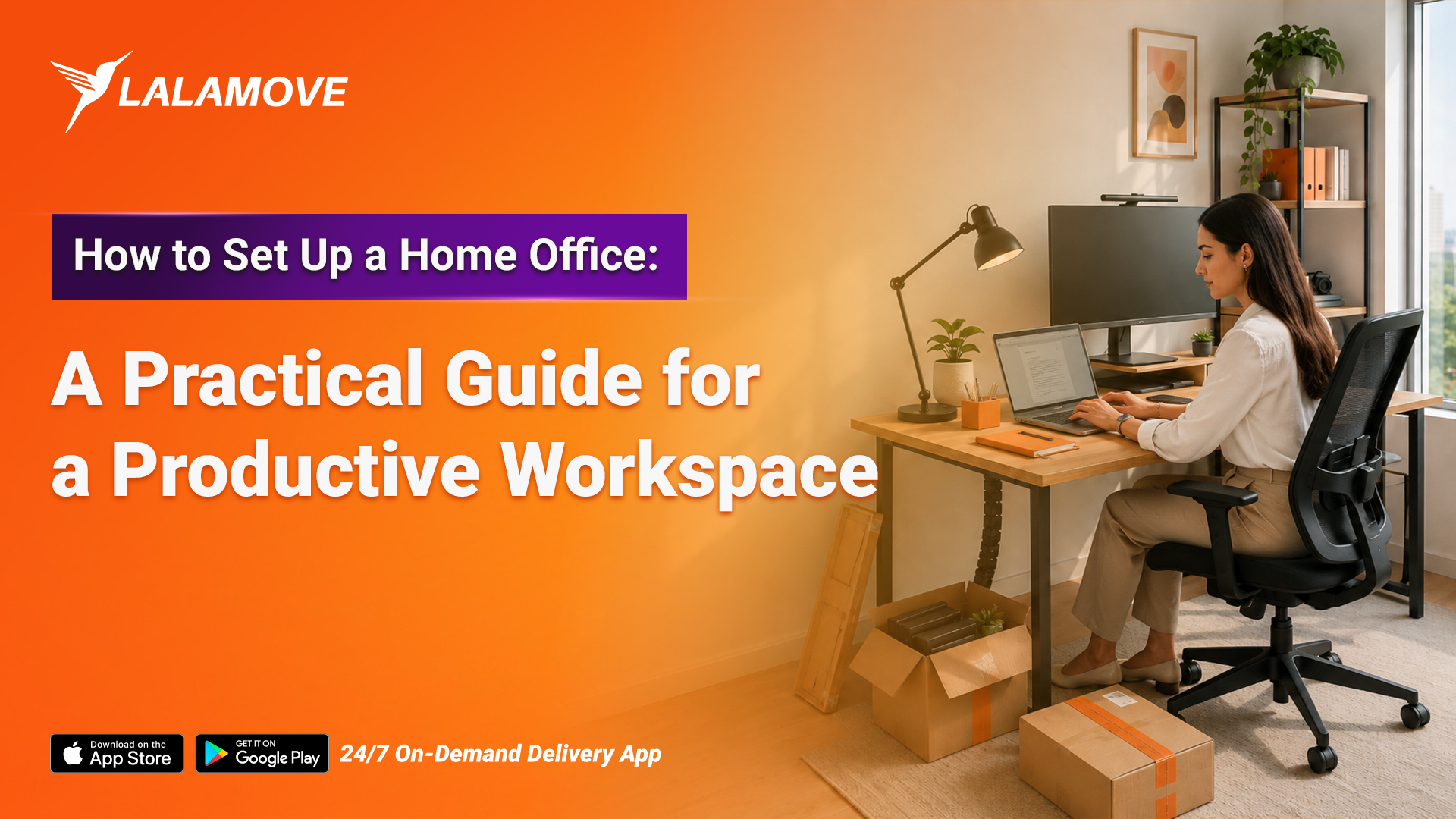
Working from home sounds simple until your dining table becomes your desk, your sofa becomes your meeting room, and your chargers disappear under a pile of paperwork. A well-designed home office can change that. You do not need a large room or an expensive renovation. You need a practical setup that gives you enough space to work, keeps distractions under control, and supports you through a full working day.
If you are wondering how to set up a home office, start with the basics: choose the right location, invest in the furniture you actually need, organize your technology, and create a workspace that you can maintain every day.
Choose the Right Space
You do not necessarily need a separate room for your home office. A quiet corner of your bedroom, living room, or even a spacious hallway can work if you plan it properly. Choose an area that:
-
Gets enough natural light
-
Has access to power outlets
-
Gives you enough space for a desk and chair
-
Keeps you away from high-traffic areas
-
Offers some separation from your personal space
If you share your home with family or roommates, choose an area where interruptions are less likely. Even a small dedicated corner can help you mentally separate work from the rest of your day.
Pick a Desk That Fits Your Work
-Sep-01-2026-08-37-15-6393-AM.jpg?width=1200&height=800&name=S1%20(1)-Sep-01-2026-08-37-15-6393-AM.jpg)
Your desk needs to accommodate your everyday equipment without taking over the entire room. Think about what you actually use before buying one. A laptop-only setup requires much less space than a workstation with two monitors, a keyboard, notebooks, and other equipment. Consider:
-
Desk width and depth
-
Available storage
-
Cable management
-
Height
-
Room around the desk
-
Whether you need space for a monitor or laptop stand
For smaller Dubai apartments, a compact desk, wall-mounted desk, or foldable workstation can make better use of limited space.
Invest in a Comfortable Chair
Your office chair deserves more attention than decorative furniture. You may spend several hours sitting at your desk, so look for a chair that supports your back and allows you to keep your feet comfortably on the floor. Useful features include:
-
Adjustable seat height
-
Back support
-
Adjustable armrests
-
Comfortable seat cushioning
-
A stable base
-
Suitable seat depth
You do not need the most expensive chair on the market. Focus on adjustability and comfort rather than appearance alone. If you need your office chair delivered to your doorstep, then Lalamove is the best option for you for same-day delivery across the UAE. Simply add pickup and drop-off locations to get it all delivered to you without stepping outside.
Get Your Desk Height and Screen Position Right
-Sep-01-2026-08-40-25-3590-AM.jpg?width=1200&height=800&name=S2%20(1)-Sep-01-2026-08-40-25-3590-AM.jpg)
A good workstation setup should allow you to work without constantly bending your neck or hunching your shoulders. Keep your monitor roughly at eye level so you can look straight ahead while working. If you use a laptop for long hours, consider a laptop stand with a separate keyboard and mouse. Your elbows should sit comfortably near your sides while you type, and your feet should rest flat on the floor or on a footrest. Small adjustments can make a significant difference when you spend most of your working day at your desk.
Use Lighting Properly
Good lighting makes your home office more comfortable and helps reduce eye strain. Natural light works well during the day, but avoid positioning your monitor directly in front of a bright window. Strong backlighting can also make video calls difficult. For your home office setup, consider:
-
Natural light from a nearby window
-
A desk lamp for focused work
-
Soft room lighting for evenings
-
Adjustable lighting for video calls
Position your desk lamp so that it illuminates your workspace without creating glare on your screen.
Organize Your Technology
A messy desk can quickly become difficult to work from, especially when you have several chargers and devices. Keep your setup simple and organize cables from the beginning. Try:
-
Using a cable management box
-
Labelling chargers
-
Keeping frequently used cables within reach
-
Using a power strip with surge protection
-
Storing rarely used accessories away from your desk
If you regularly attend video meetings, add a webcam, microphone, or headphones to your setup if your laptop does not provide the quality you need.
Add Storage Without Cluttering the Room
A productive workspace needs storage, but large cabinets can make a small room feel even smaller. Use vertical space where possible. Floating shelves, wall organizers, and narrow storage units can hold documents, stationery, and equipment without taking up much floor space.
Keep only frequently used items on your desk. Store everything else where you can reach it when needed. A simple rule works well: your desk should have a purpose, not a pile.
Make the Space Comfortable
-Sep-01-2026-08-41-01-9769-AM.jpg?width=1200&height=800&name=S3%20(1)-Sep-01-2026-08-41-01-9769-AM.jpg)
Your home office does not need to look like a corporate office. Add a few elements that make you want to spend time there:
-
A small indoor plant
-
A comfortable desk mat
-
A framed print
-
A small lamp
-
A calendar or planner
-
A rug to define the workspace
Avoid filling the area with decorative items that reduce your working space. Your home office should feel personal while remaining functional.
Keep Work and Home Separate
One of the biggest challenges of working from home involves knowing when to stop working. If possible, create a clear boundary between your workspace and the rest of your home. When your workday ends, close your laptop, clear your desk, and leave the workspace.
If you work from a shared room, even a small routine can help. Put your laptop and work accessories away at the end of the day so your workspace does not dominate your living space.
Plan Your Home Office Shopping
Setting up an office often means buying more than just a desk and chair. You may need a monitor, shelves, storage boxes, lighting, office supplies, and other equipment. Instead of making several trips to different stores, create a shopping list and plan your purchases together.
For larger items, you can also arrange delivery directly from the retailer. If you purchase furniture or office equipment from different locations and have more than your car can comfortably carry, a delivery service such as Lalamove can help transport larger items directly to your home.
Create a Home Office That Works for You
Knowing how to set up a home office is less about creating a picture-perfect workspace and more about building an environment that supports the way you work. Choose a practical location, get a comfortable chair and suitable desk, position your screen correctly, improve your lighting, and keep your workspace organized. Then add equipment and décor based on your actual needs.
If you need to bring a desk, chair, shelves, or other bulky office items home, download the Lalamove app to arrange convenient delivery from stores or other locations directly to your doorstep. A better workspace does not have to cost a fortune. Start with what you need, build it gradually, and create a home office that makes working from home easier every day.


