


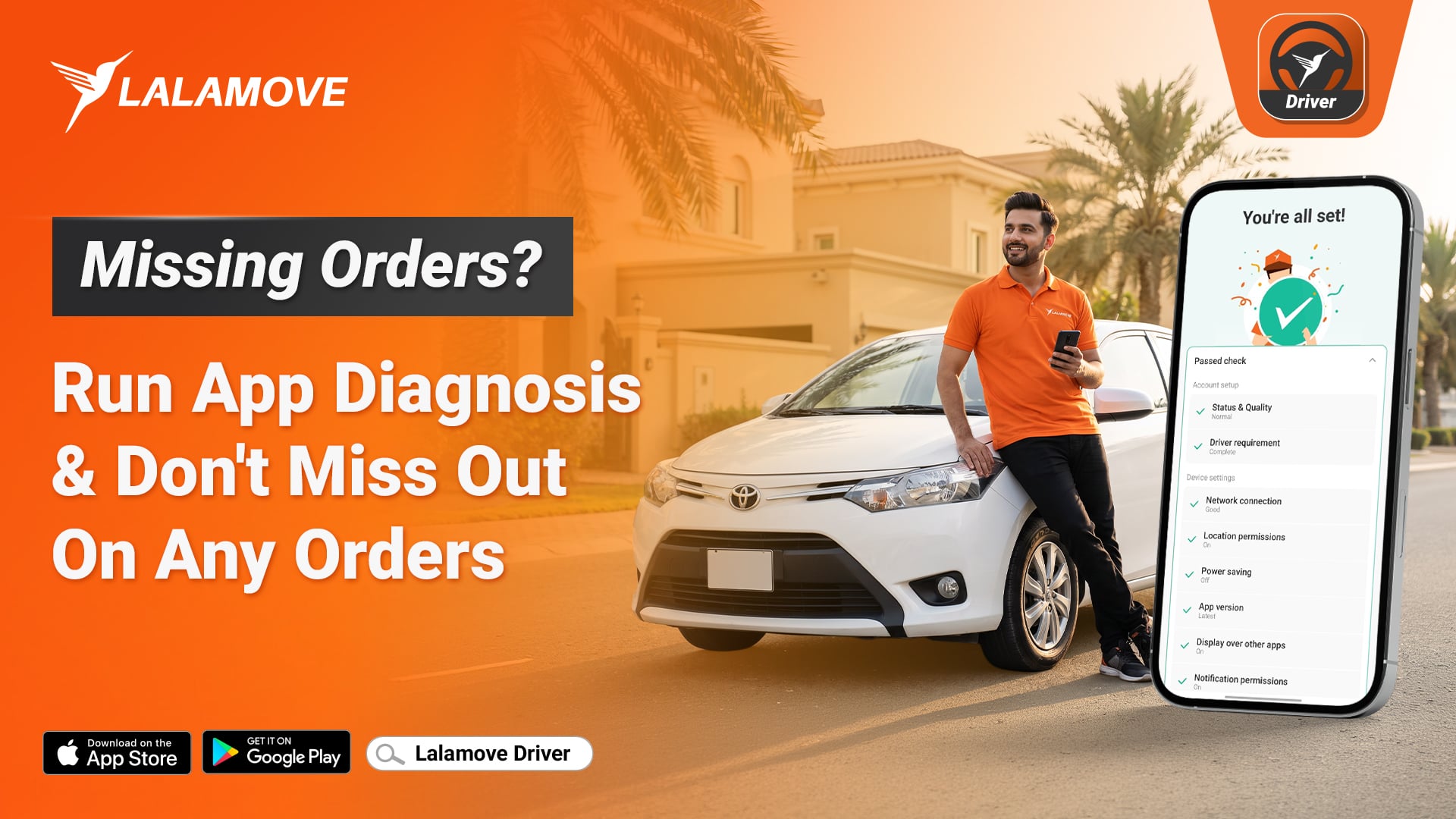
A missed notification can mean a missed order. Many drivers lose orders because of a small phone setting they never knew was off. A muted phone, a blocked permission, or an old app version can all stop new orders from reaching you.
Lalamove now has App Diagnosis. It scans your phone, finds the problems, and shows you how to fix them. This guide explains what it checks and how to use it.
What Is App Diagnosis?
App Diagnosis is a tool inside the Lalamove driver app. It runs 14 automatic checks on your phone settings and app settings. When a check fails, you see a button next to it. Tap the button and the app takes you straight to the right screen to fix it.
The button can take you to one of four places:
-
Your phone’s system settings
-
The Lalamove app settings
-
A toggle inside the Lalamove app
-
The app store, if you need to update
You do not have to search through menus. The app guides you to the exact spot.
How to Run App Diagnosis
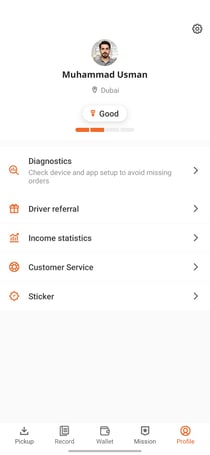
1. Open the Lalamove driver app. Tap My Profile and select Diagnosis.
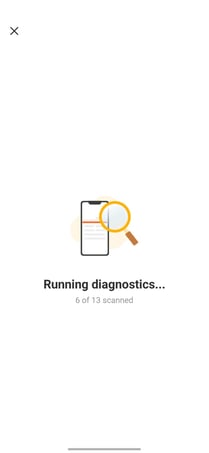
2. Wait a few seconds. The app starts the scan on its own.
3. Read your results. A green tick means the setting is fine. A failed check means the setting needs your attention.
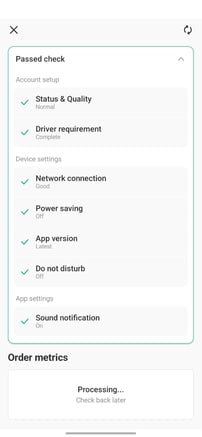
4. Tap the button next to each failed check. The app takes you to the screen where you can fix it.
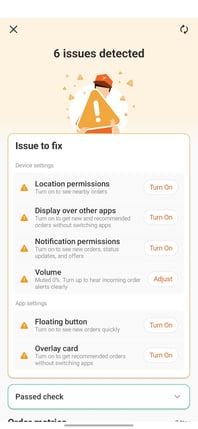
5. Scan again. Tap the refresh icon after you make your changes. Repeat until every check passes.
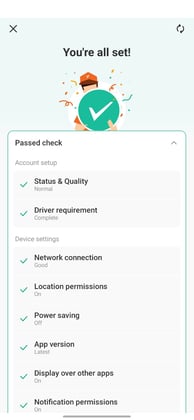
When everything is correct, you see the message “All set!” That means your phone is ready to receive orders.
The 14 Checks Explained
Some checks work on both iPhone and Android. Others work on one system only. Your phone shows only the checks that apply to it.
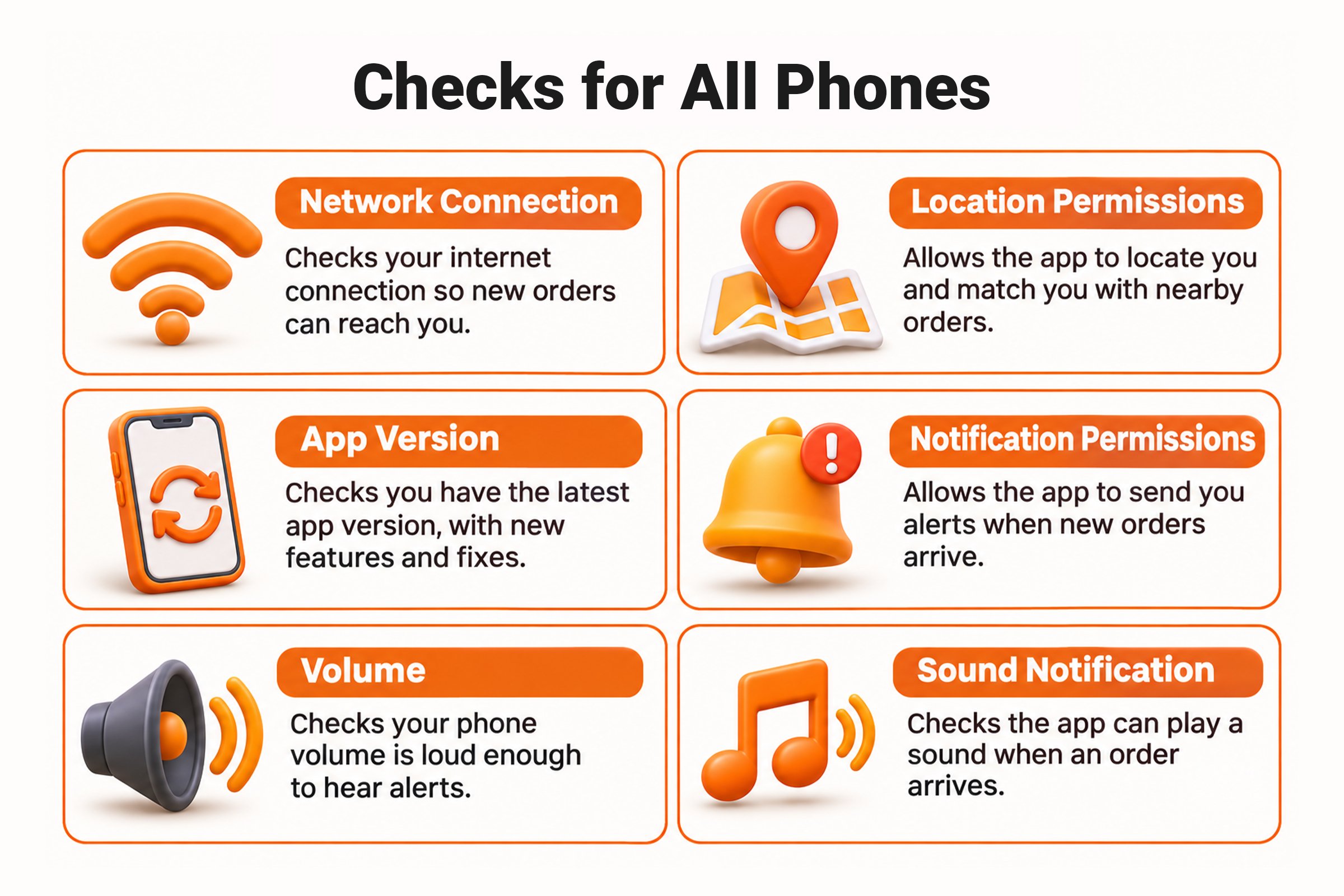
Checks for all phones
-
Network connection: Confirms your phone has a working internet connection. Without it, new orders cannot reach you.
-
Location permissions: Confirms the app can see where you are. The app needs your location to match you with nearby orders.
-
App version: Confirms you use the latest version of the Lalamove app. The latest version has the newest features and fixes.
-
Notification permissions: Confirms the app can send you alerts. Blocked notifications mean silent orders.
-
Volume: Confirms your phone volume is high enough to hear alerts.
-
Sound notification: Confirms the app can play a sound when an order arrives.
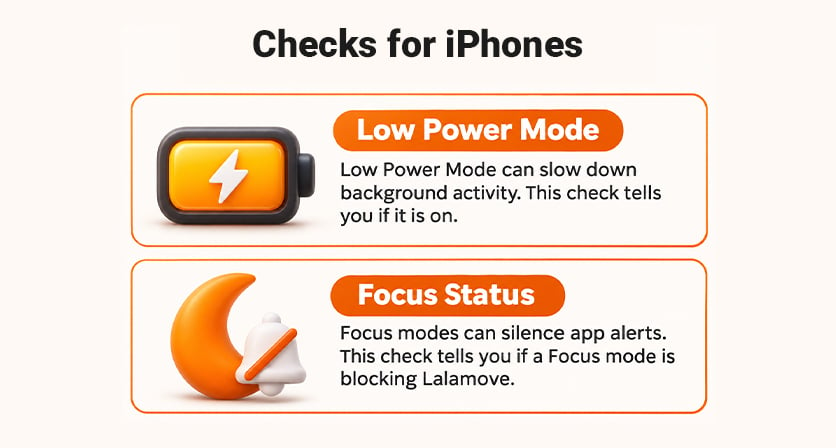
Checks for iPhone only
-
Low power mode: Low power mode can slow down background activity. This check tells you if it is on.
-
Focus status: Focus modes can silence alerts from apps. This check tells you if a Focus mode is blocking Lalamove.
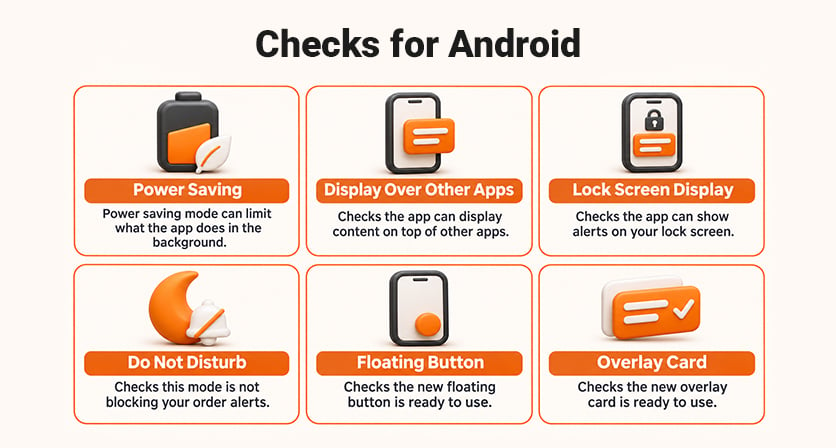
Checks for Android only
-
Power saving: Power saving mode can limit what the app does in the background.
-
Display over other apps: Confirms the app can show things on top of other apps.
-
Display over other apps on the lock screen: Confirms the app can show alerts on your lock screen.
-
Do not disturb: Confirms this mode is not blocking your order alerts.
-
Floating button: Confirms the new floating button is ready to use.
-
Overlay card: Confirms the new overlay card is ready to use.
On iPhone, you see 8 checks. On Android, you see 12.
Start Your Day with a Clean Scan
App Diagnosis gives you a simple way to keep your phone ready for every order. Run a scan today, fix what it finds, and go online with confidence. Keep your Lalamove driver app updated to get the newest features. Download the latest version of the Lalamove driver app and run your first scan today.


