


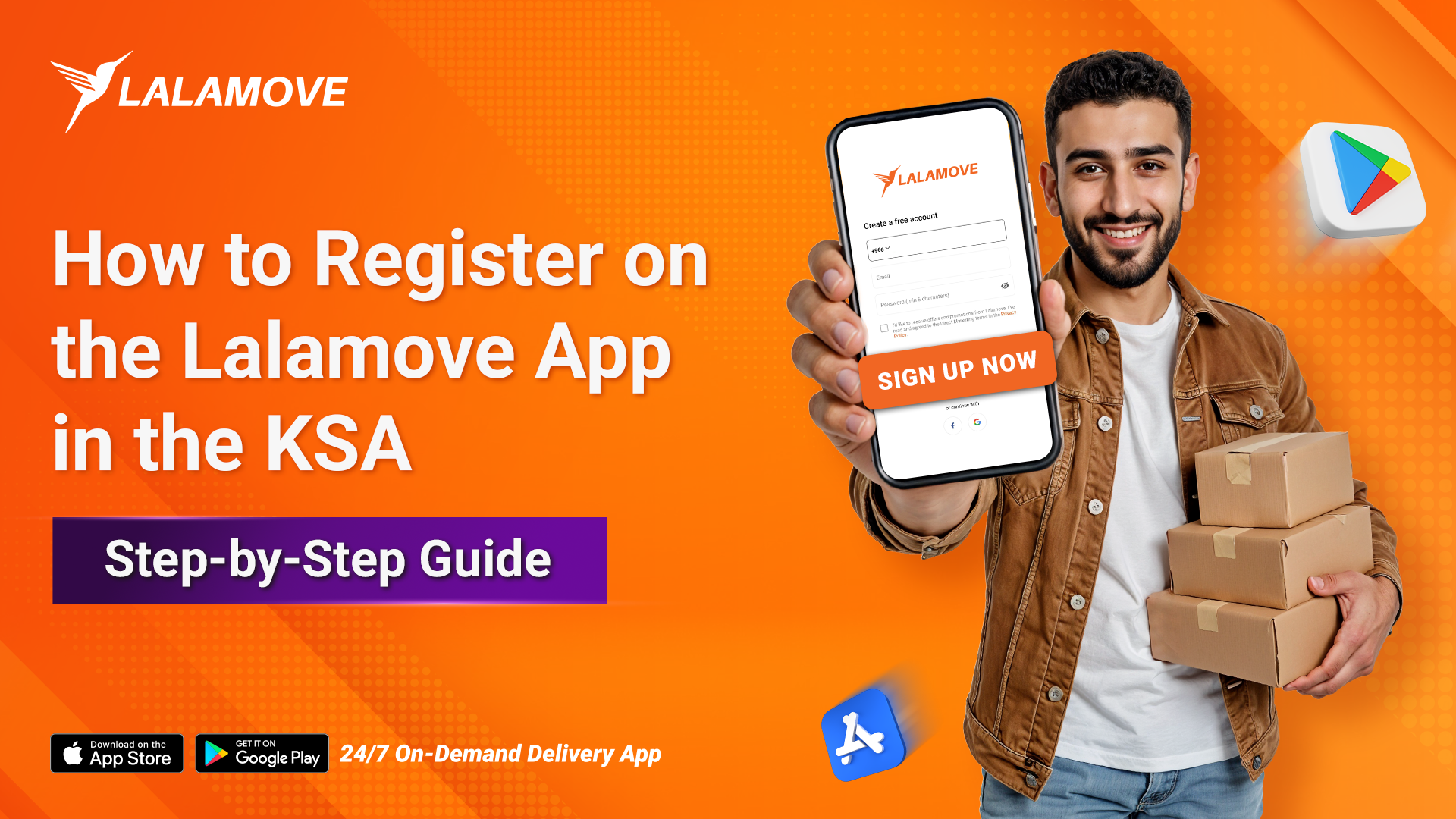
Ready to start sending packages across town with just a few taps? First things first - you need to register an account on Lalamove. The good news? It takes less than a minute!
Here’s a simple step-by-step guide to help you get started.
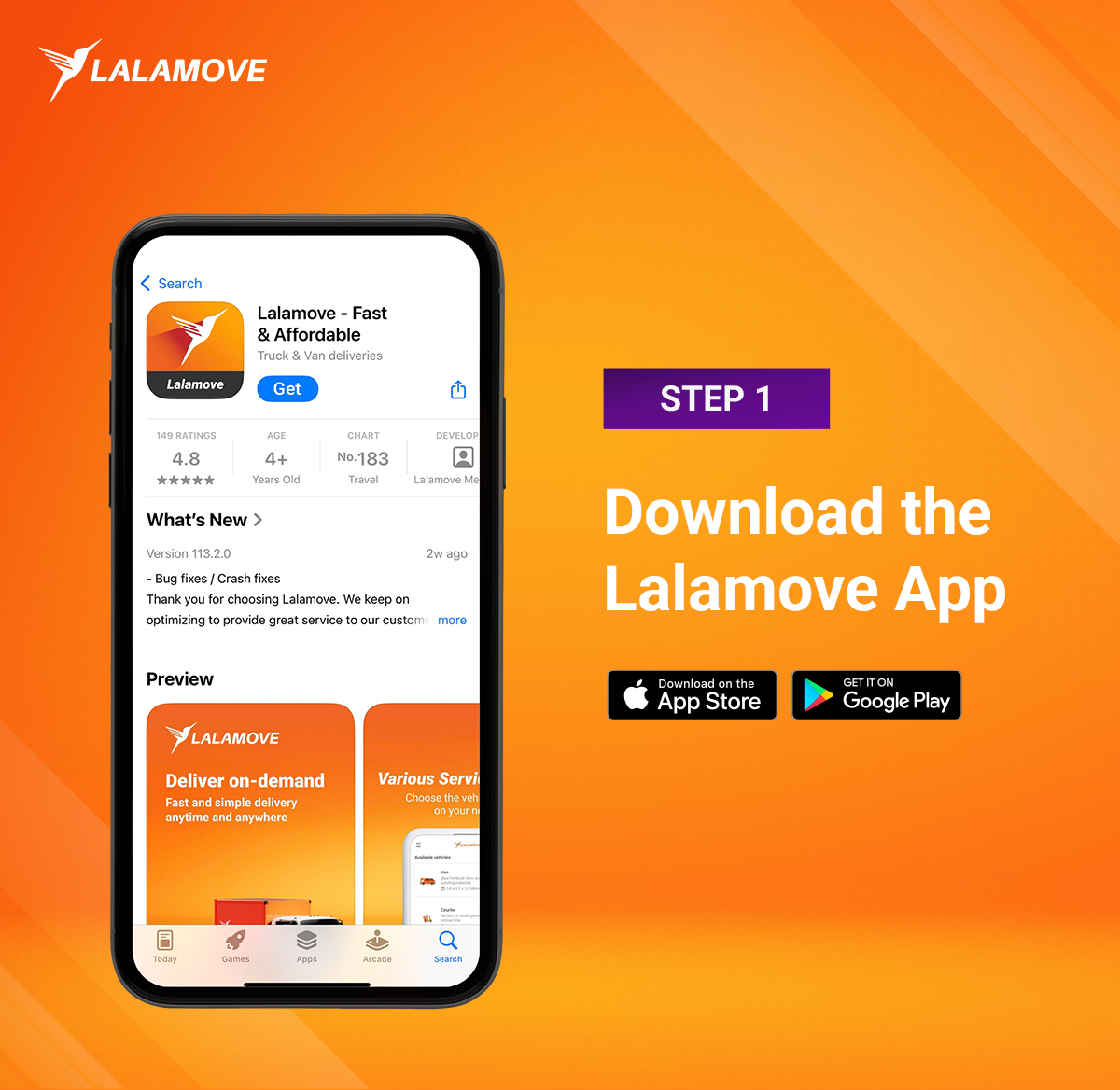
Step 1: Download the Lalamove App
Search for "Lalamove" on the App Store or Google Play Store and download the app. Look for the orange icon with the hummingbird logo.
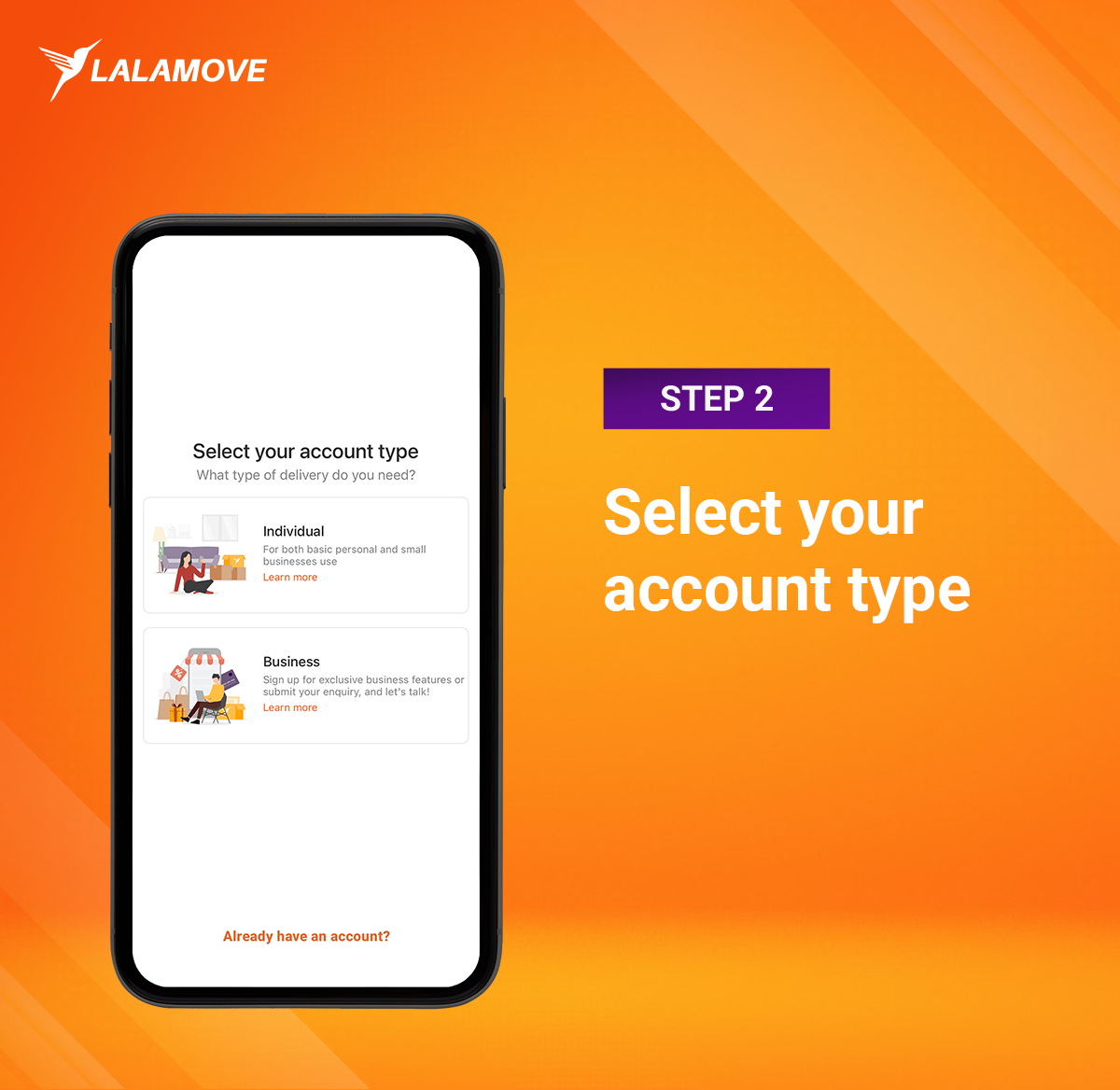
Step 2: Tap "Get Started"
Once installed, open the app and tap "Get Started" to begin your registration. You will be asked to select your account type - choose between Individual or Business based on your delivery needs.
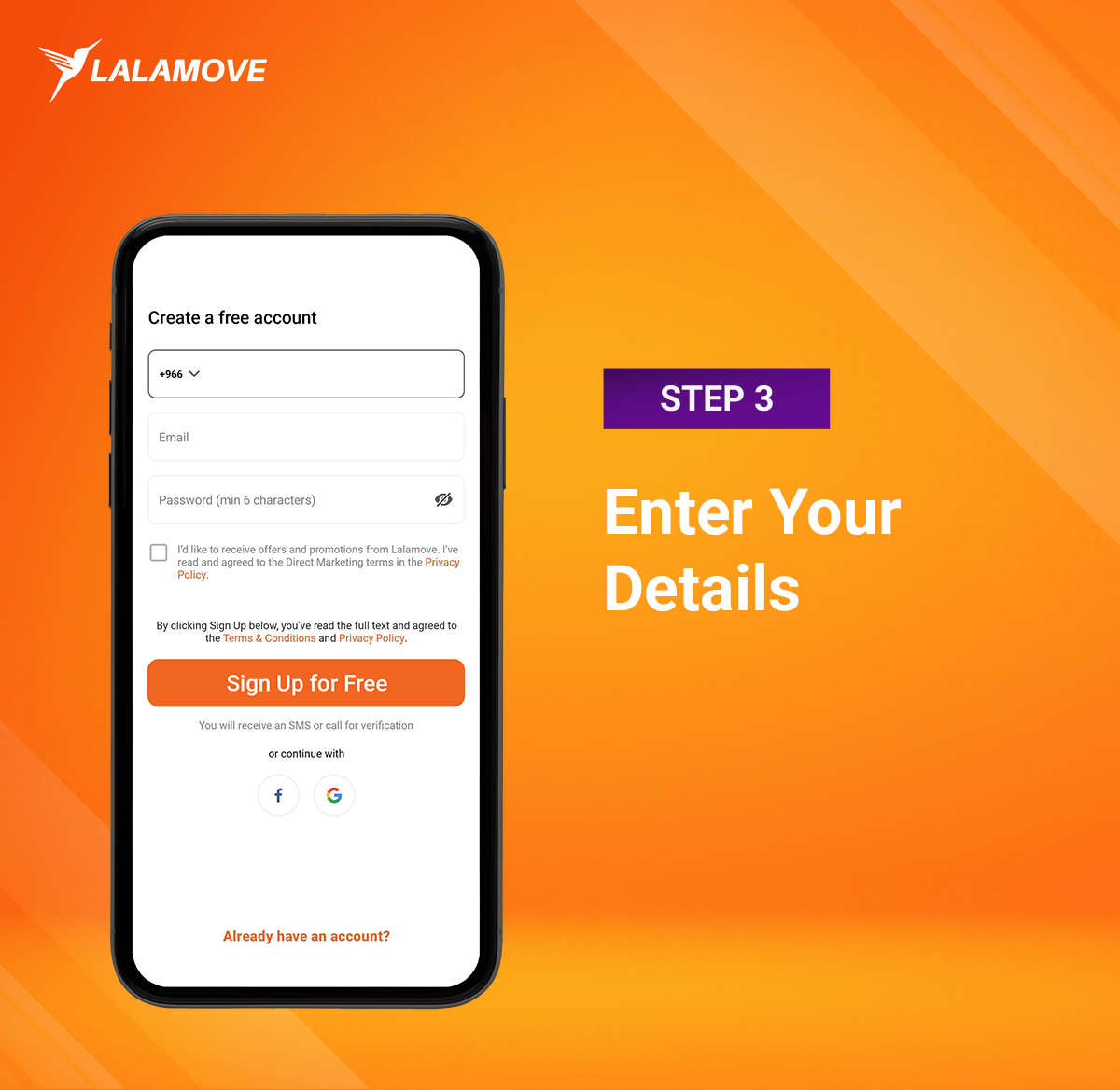
Step 3: Enter Your Details
Fill in the required fields:
-
Phone number (with KSA country code +966)
-
Email address
-
Password (minimum 6 characters)
Make sure to use a working phone number and email address - this is how you’ll receive updates about your deliveries.
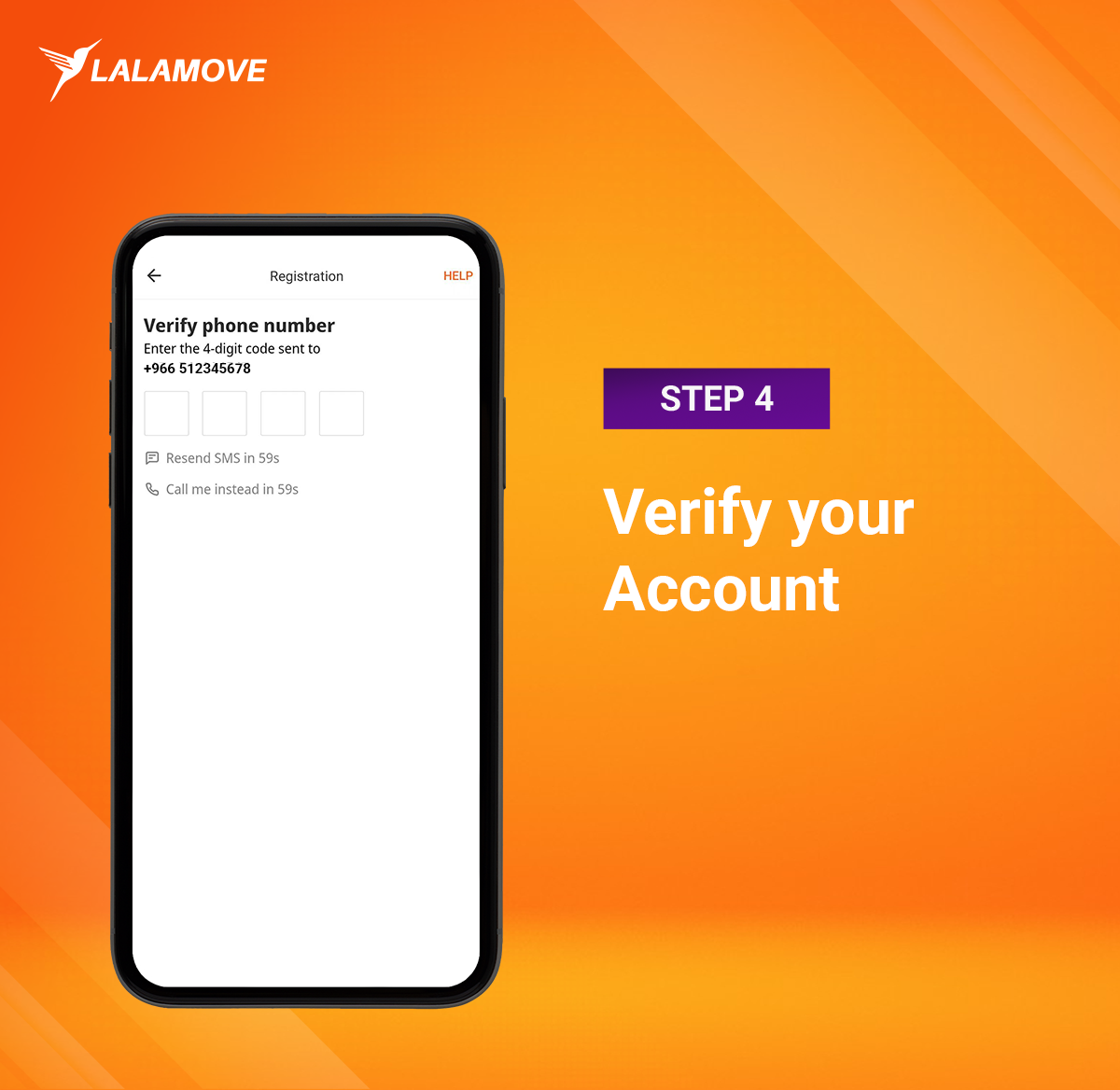
Step 4: Verify Account and Accept Terms
Tick the box to agree to the Terms & Conditions and Privacy Policy, then tap "Sign Up for Free".
You may receive an SMS or call verification to confirm your account.
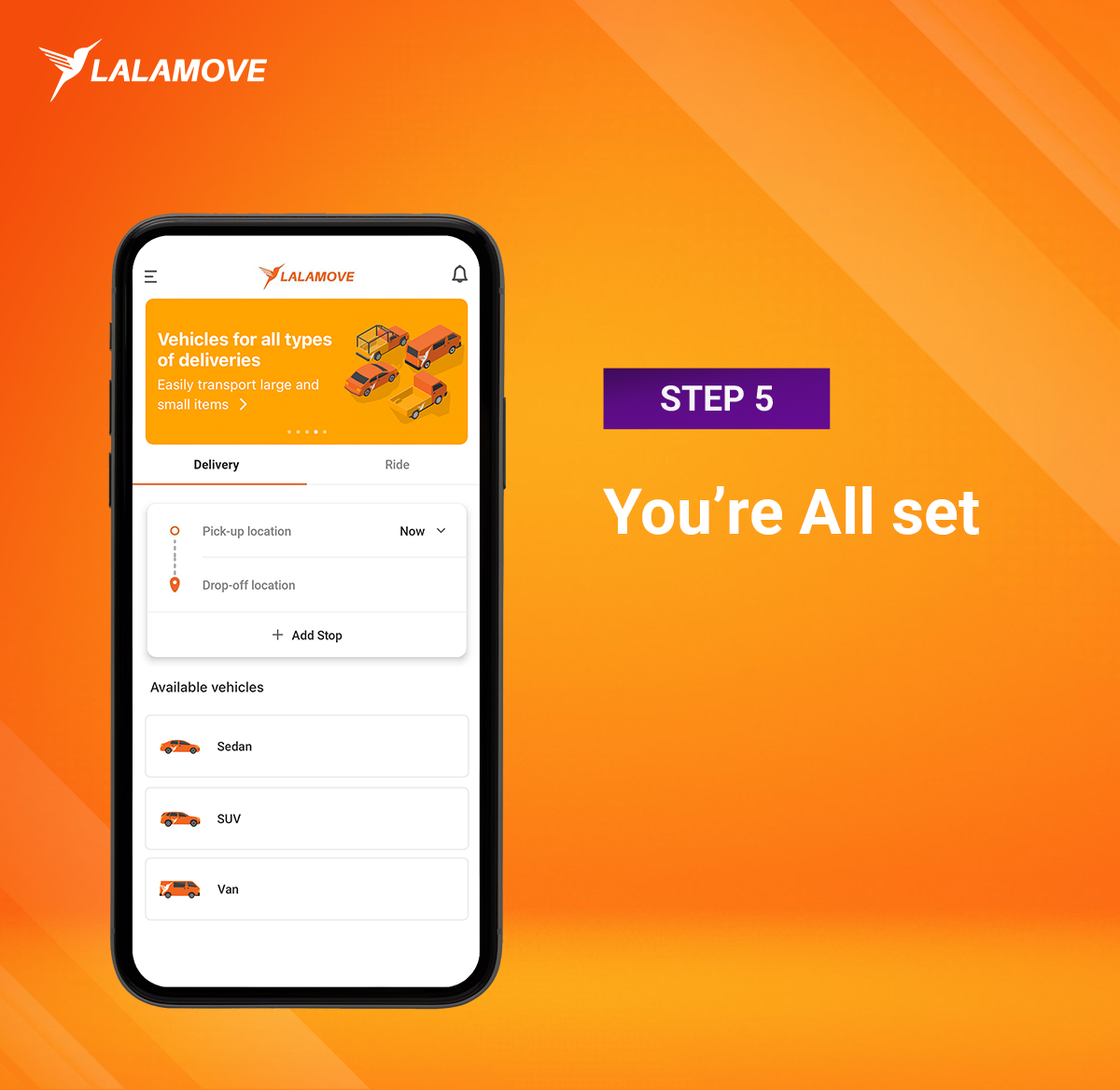
Step 5: You’re In!
That’s it! You’re now registered and ready to start placing delivery orders.
You can:
-
Book instant or scheduled deliveries
-
Choose your vehicle size
-
Track your driver in real time
-
Pay via cash or card
Need Help?
If you need assistance during sign-up, our customer support team is just a tap away in the app.
Next: Read our blog about Lalamove


