Lalamove Driver Onboarding Guide

Easy Onboarding For New Lalamove Drivers

Want to get approved fast as a Lalamove driver?

Follow these top tips to avoid document rejection:
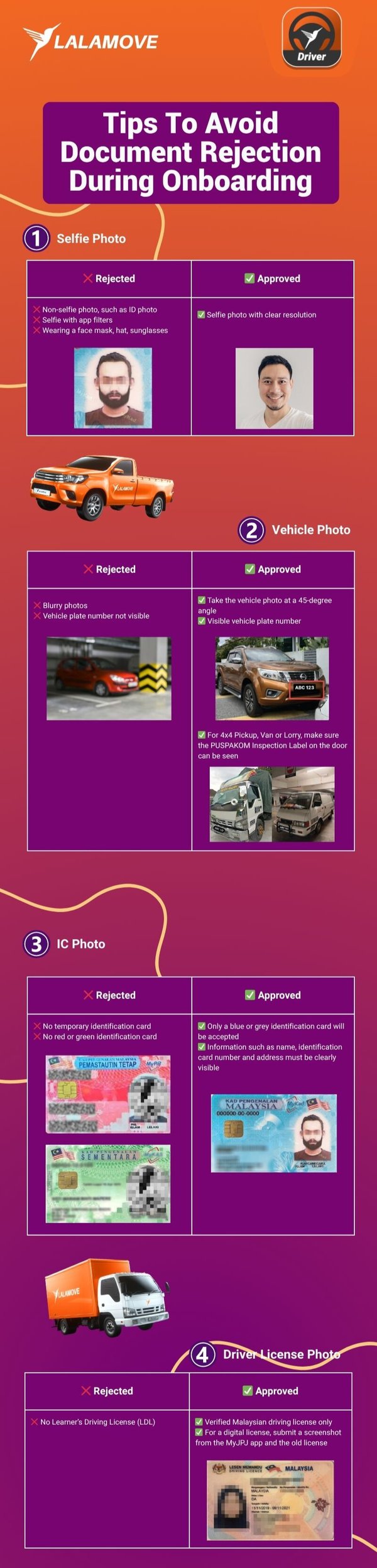
 

Lalamove Driver Onboarding Process


Note: Please review all documents carefully before submitting to avoid potential delays or rejection during the approval process.


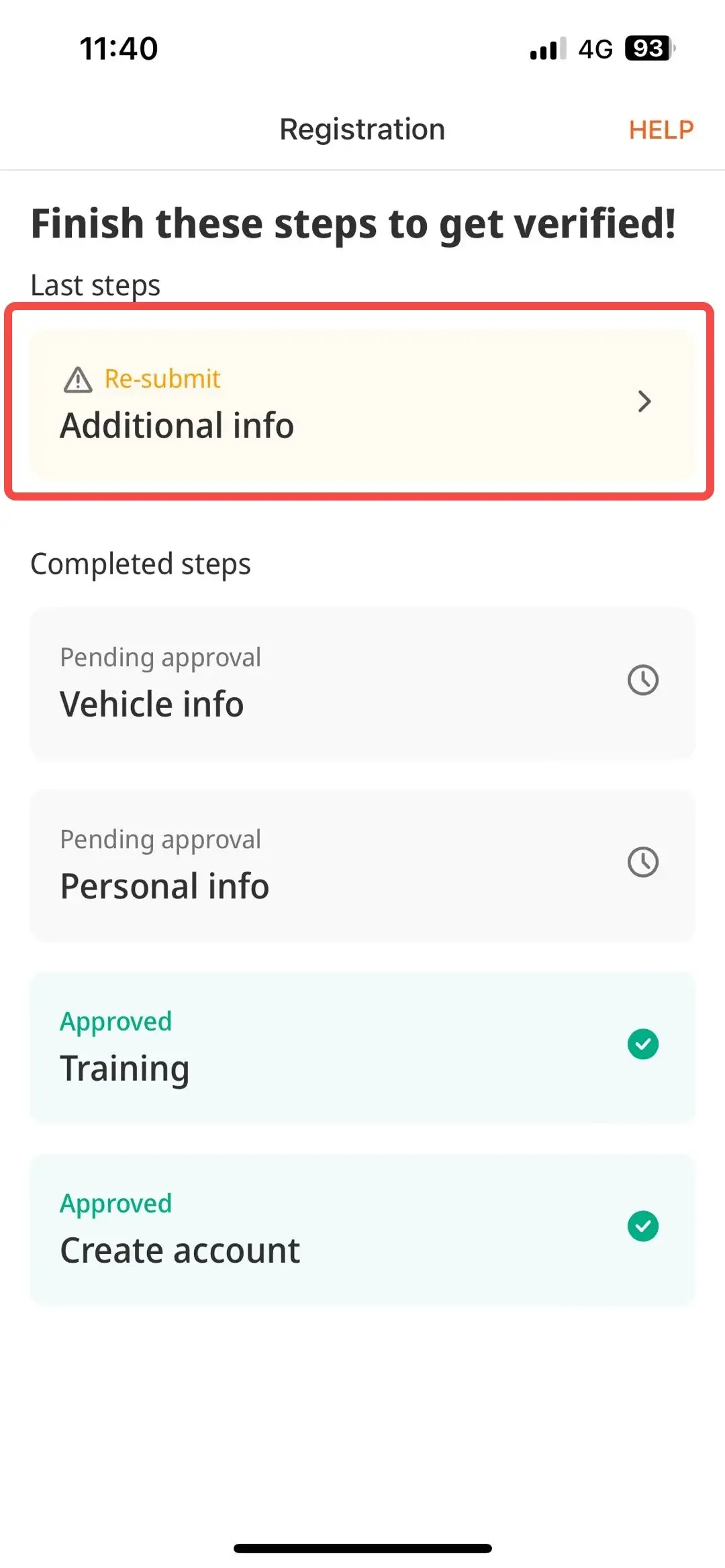
How To Resubmit Your Document?
Driver - Resubmit Document 1
1
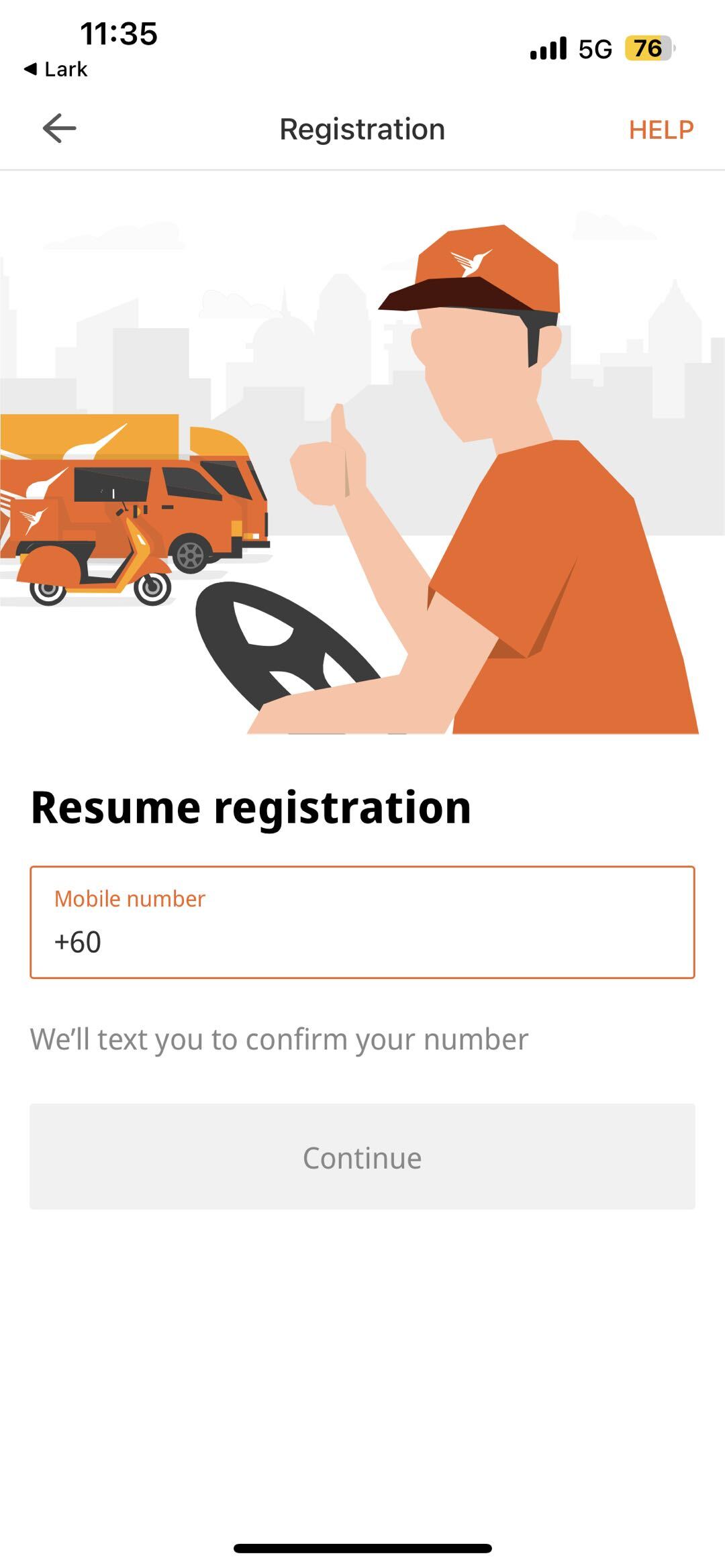
Enter the Lalamove Driver app. Then, enter your phone number to resume registration.
Driver - Resubmit Document 2-1
2
Click the document you need to resubmit and upload. Once the document is uploaded, click “Submit”.
1
Enter the Lalamove Driver app. Then, enter your phone number to resume registration.
2
Click the document you need to resubmit and upload. Once the document is uploaded, click “Submit”.

Why Be A Lalamove Driver Partner?

Vehicle Sticker-3
Sticker Incentive
Get attractive rewards when you join our Lalamove Sticker Programme.
icon-Tax-ID-REGIMEN
Referral Program
Earn cash by inviting friends to become Lalamove driver partners.
HealthcareInsurance Cover+Provident Fund
Free Personal Accident Insurance
Free accident insurance for accidental permanent disablement, accidental death, funeral expenses and more.
gift icon
Exclusive Benefits
Enjoy exclusive offers for vehicle maintenance and food and beverages from various merchants.

Register As A Lalamove Driver Today
Register - Lalamove Driver 1
1
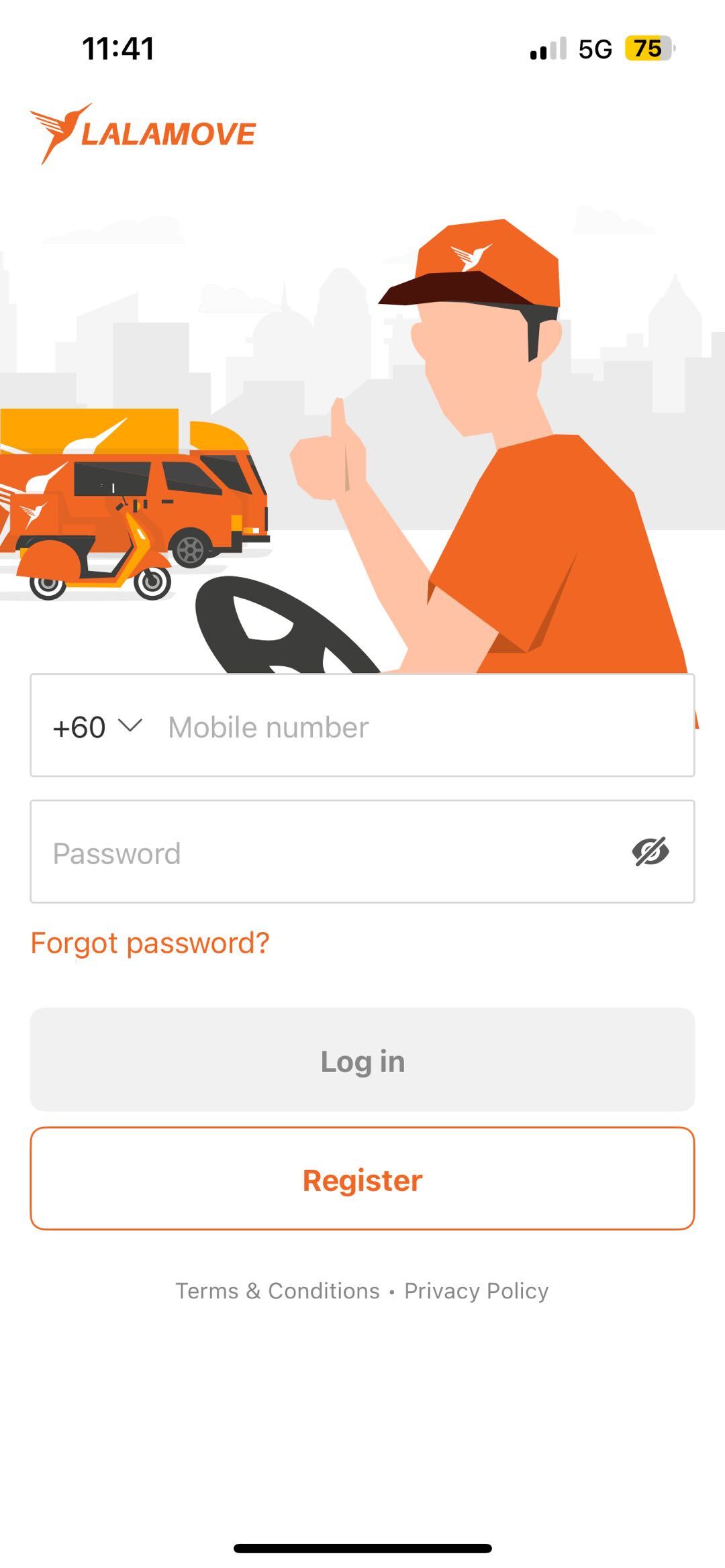
Open the Lalamove Driver App
Download the Lalamove Driver app via Google Play Store or App Store and click “Register”.
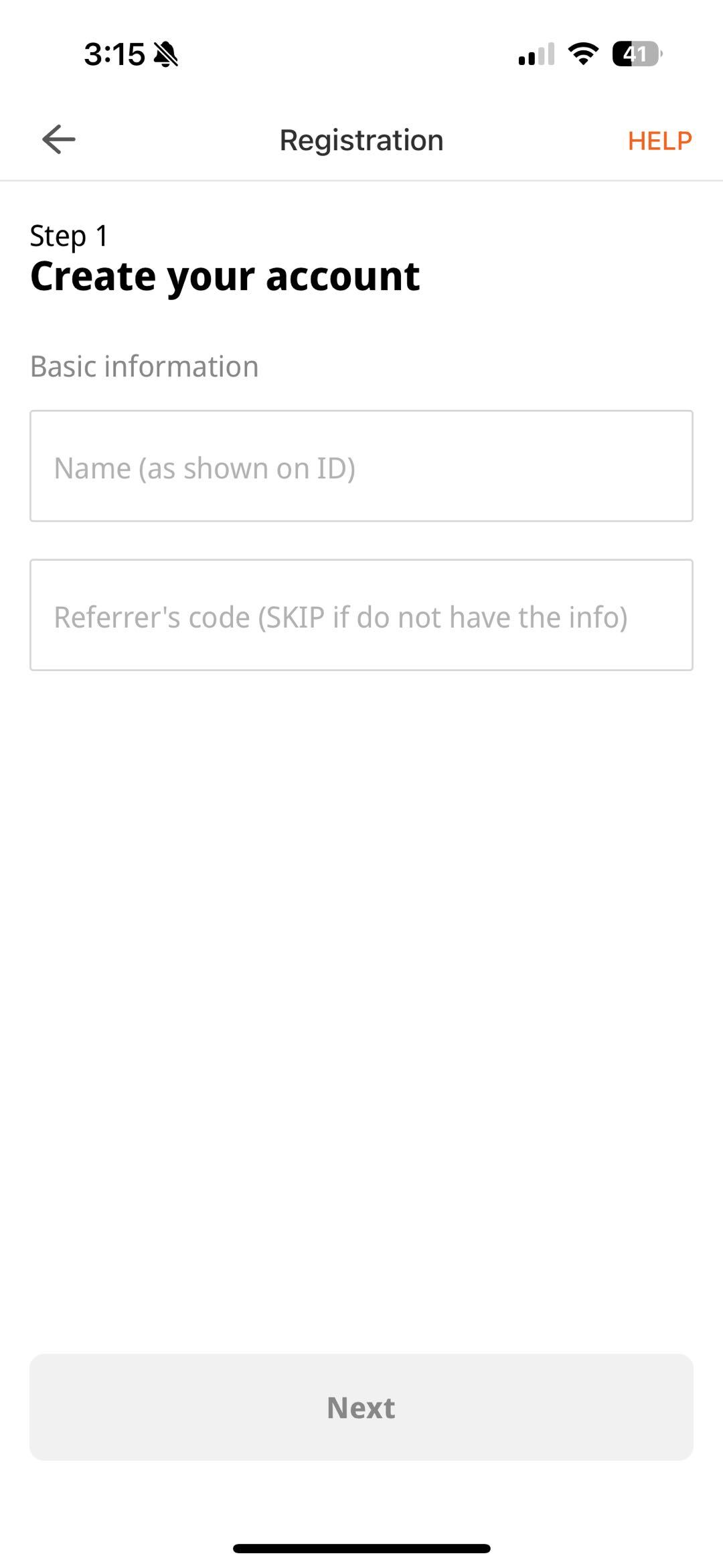
Register - Lalamove Driver 2-1
2
Register using referral code
Fill in your name as per your IC. Use the referral code from your fellow Lalamove driver partner to earn rewards.
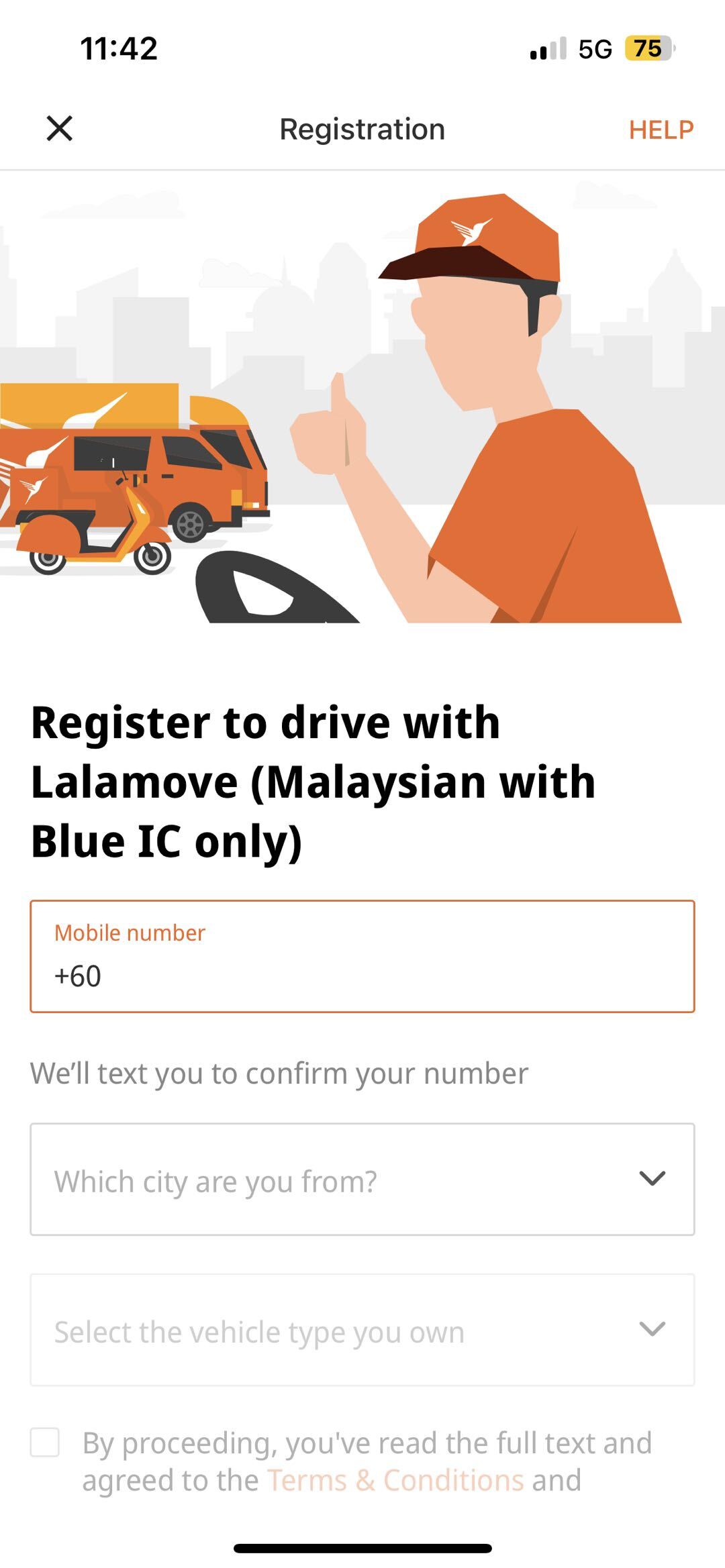
Register - Lalamove Driver 3
3
Fill in the details
Fill in the details such as your phone number, area, type of vehicle and tick the Terms & Conditions box. Then, click “Register As Driver”.
Register - Lalamove Driver 4
4
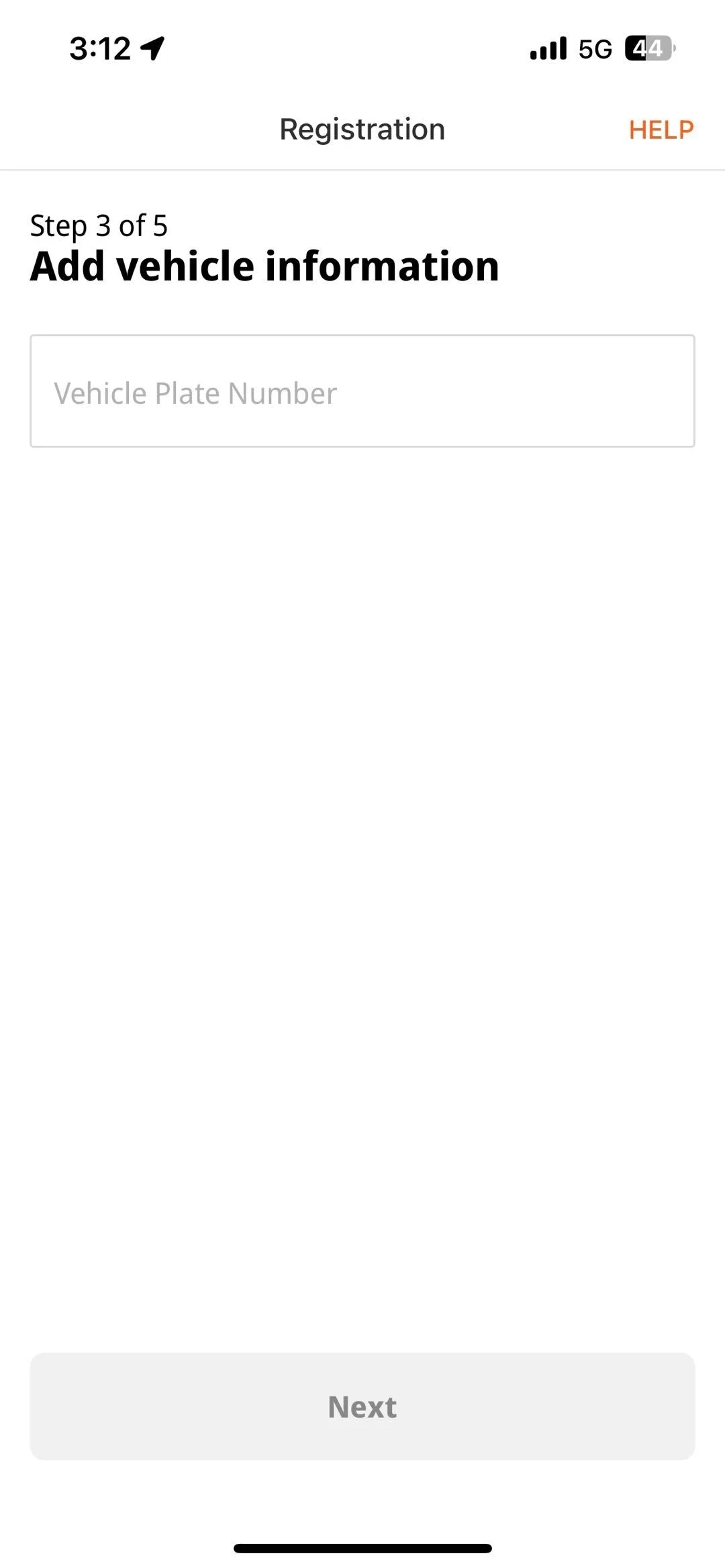
Fill in vehicle information
Enter your vehicle’s plate number.
Register - Lalamove Driver 5
5
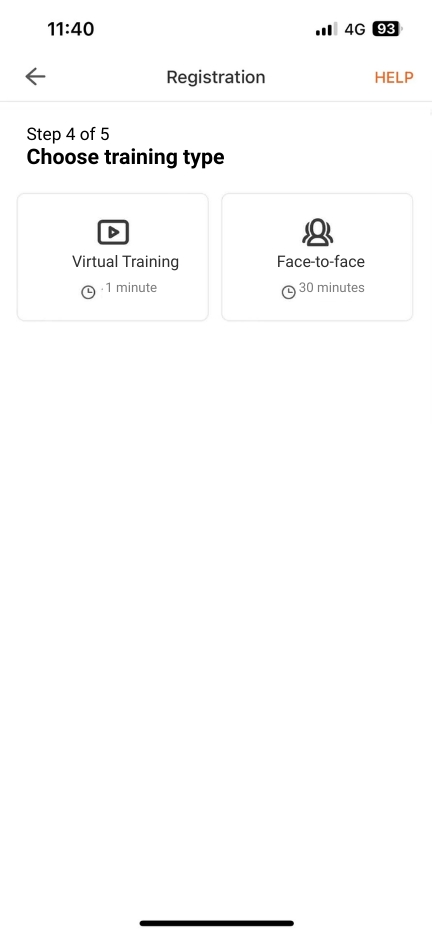
Attend the test
Complete the Lalamove virtual training.
Register - Lalamove Driver 5-1
6
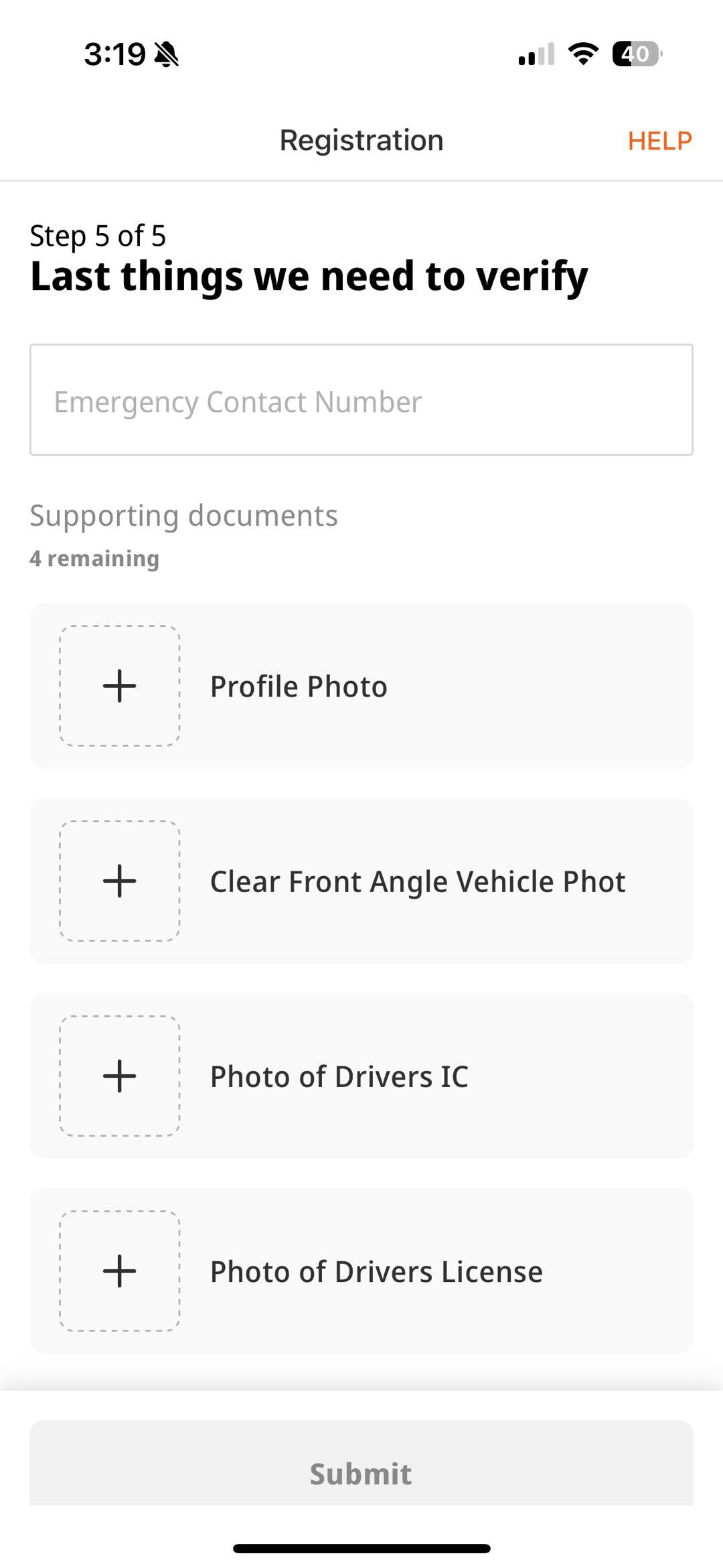
Upload documents
Upload all the required documents, such as profile, vehicle, IC, and driver’s license photos.
1
Open the Lalamove Driver App
Download the Lalamove Driver app via Google Play Store or App Store and click “Register”.
2
Register using referral code
Fill in your name as per your IC. Use the referral code from your fellow Lalamove driver partner to earn rewards.
3
Fill in the details
Fill in the details such as your phone number, area, type of vehicle and tick the Terms & Conditions box. Then, click “Register As Driver”.
4
Fill in vehicle information
Enter your vehicle’s plate number.
5
Attend the test
Complete the Lalamove virtual training.
6
Upload documents
Upload all the required documents, such as profile, vehicle, IC, and driver’s license photos.

Frequently Asked Questions (FAQ)
img-about-us
How does Lalamove work? Can I join part-time?

Lalamove is an on-demand delivery platform that allows users to place orders via our app or website. Drivers can join as part-time drivers on the platform.

How do I register as a Lalamove Driver partner?

Click here to get started. To sign up with your motorcycle, car, 4x4 pickup, van or lorry, you must follow and pass our Virtual Training. If you fail the test, you may attempt it again until you pass. Alternatively, you can walk into any of the driver centres.

Can I be a Lalamove Driver Partner without owning a vehicle?

You must own a vehicle to sign up as our driver partner.

How to be a Lalamove Ride driver?

You must be a registered Lalamove Driver Partner with your Car.  Then, click the "Want to take Ride orders?" and proceed to register as an Lalamove Ride driver.